> ## Documentation Index
> Fetch the complete documentation index at: https://help.formsdeck.com/llms.txt
> Use this file to discover all available pages before exploring further.
# Embed WhatsApp form on a Website
> How to embed your form on a webpage
## Share Section
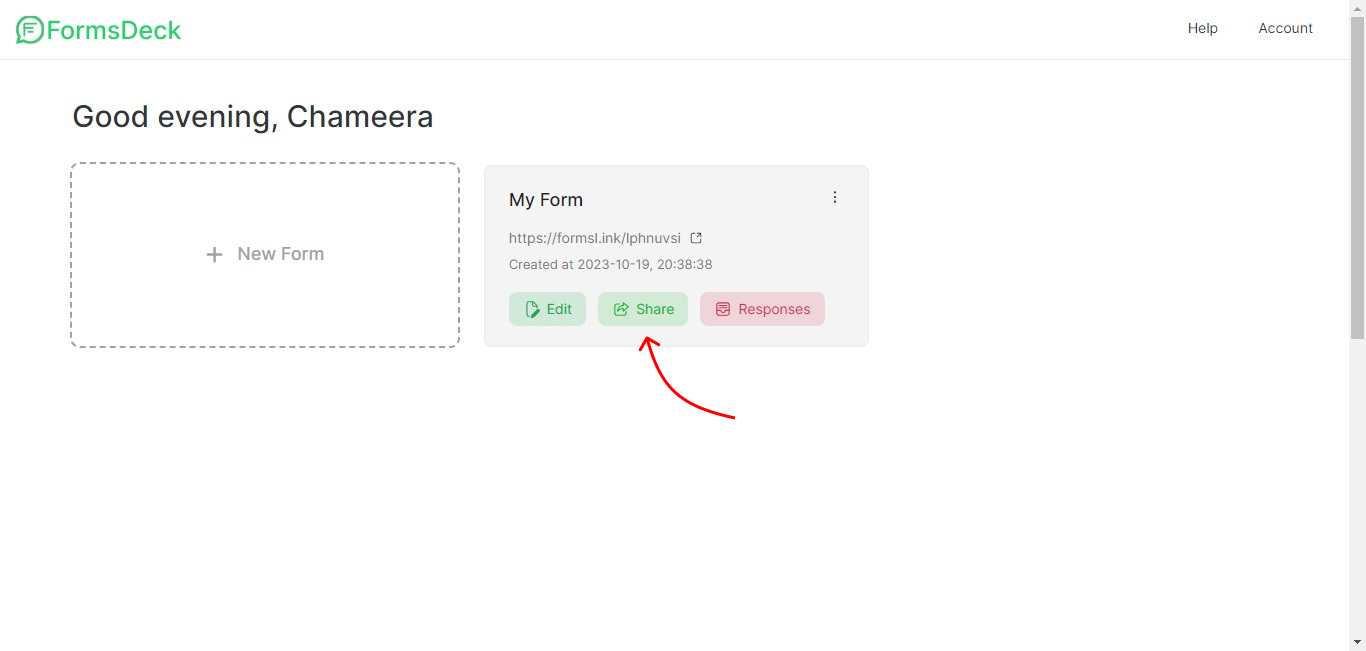
You can click on the Share button inside the WhatsApp form to go to the Share section
 ## Copy iframe code
Under Share > Website, you can see the option Embed inside a webpage. Copy the iframe HTML code.
## Copy iframe code
Under Share > Website, you can see the option Embed inside a webpage. Copy the iframe HTML code.
