> ## Documentation Index
> Fetch the complete documentation index at: https://help.formsdeck.com/llms.txt
> Use this file to discover all available pages before exploring further.
# Share form on WhatsApp
> How to share your form on WhatsApp with a template
## Share Section
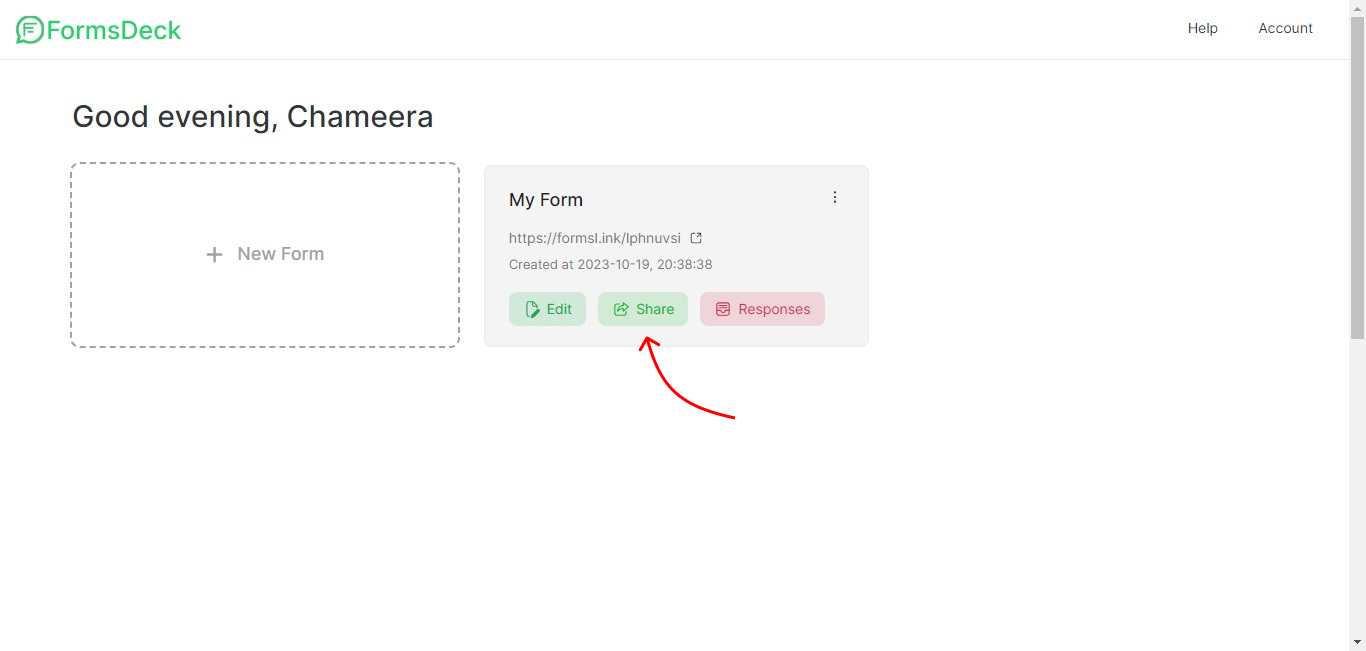
You can click on the Share button inside the WhatsApp form to go to the Share section
 ## Share on WhatsApp
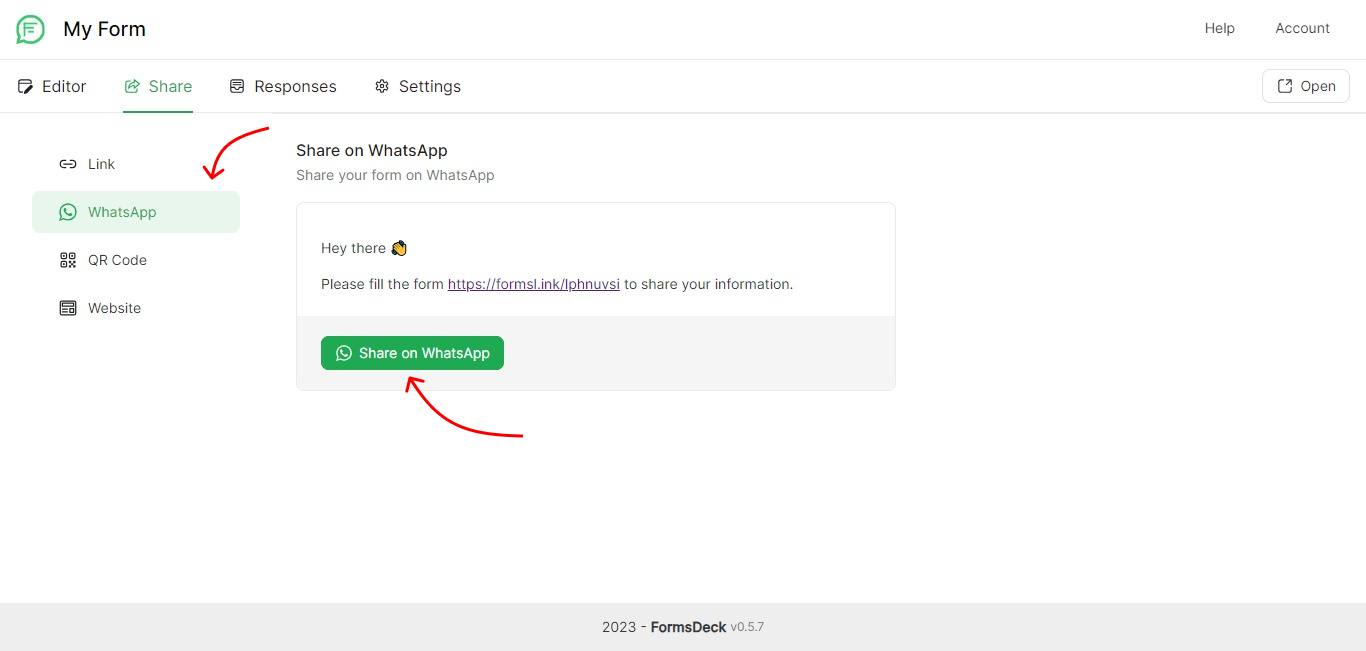
Here you will see the message template. Click on the Share on WhatsApp button to forward the link as a message on WhatsApp.
## Share on WhatsApp
Here you will see the message template. Click on the Share on WhatsApp button to forward the link as a message on WhatsApp.